Light that flickers
Rear LED brightness follows the flames on supported iPhones. The LED does not change color.
TAKIBI LED · IPHONE & IPAD
Enjoy real flame footage and recorded ambience on iPhone and iPad. Switch to Full Screen to hide the tab bar and fill the display. Rear LED and haptics require a supported iPhone.
One-time purchase
iPhone & iPad · iOS 17+ · LED and haptics require a supported iPhone
Rear LED brightness follows the flames on supported iPhones. The LED does not change color.
Choose bonfire, campfire, fireplace, candle or night camp. Four scenes have recorded ambience; candle is silent.
Use a 30, 60 or 120-minute sleep timer. The footage and ambience work offline.
Pick the fire that suits your mood.
Enable supported LED and haptics, then set a comfortable volume.
Choose when to stop, and enjoy the flames.
Tap Full Screen at the bottom. Tap the display to hide or show controls, then tap × to return home.
Fire footage and ambience work on iPad. Rear LED and haptics depend on hardware and are available on supported iPhones.
The included footage and ambience play offline.
Only brightness changes; the rear LED does not change color.
No sign-in or account is required. See the privacy page for how preferences are saved.
Tap Full Screen at the bottom of Home to hide the tab bar and fill the display with the fire. Tap the display to show or hide controls; tap × at the top right to return home.
iPhone & iPad · iOS 17+ · LED and haptics require a supported iPhone
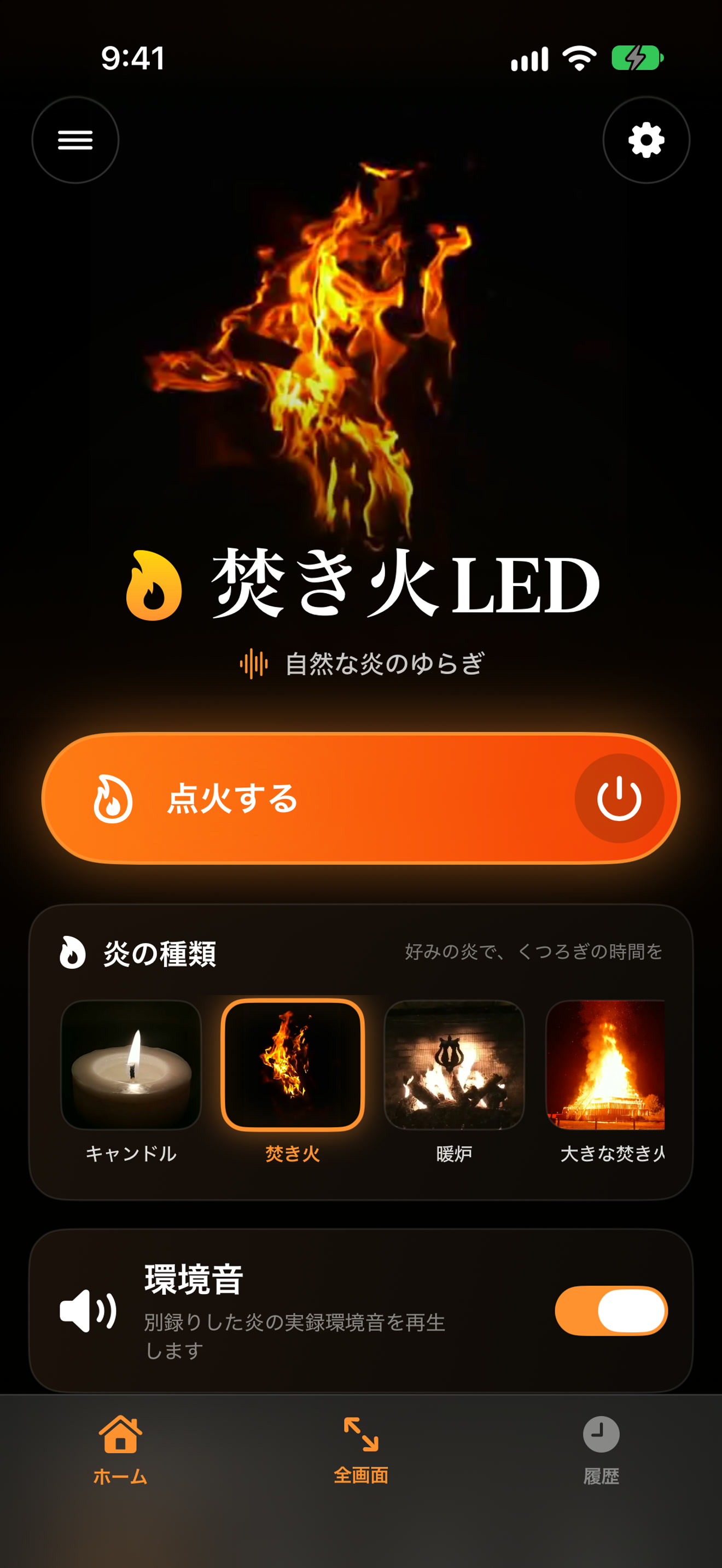
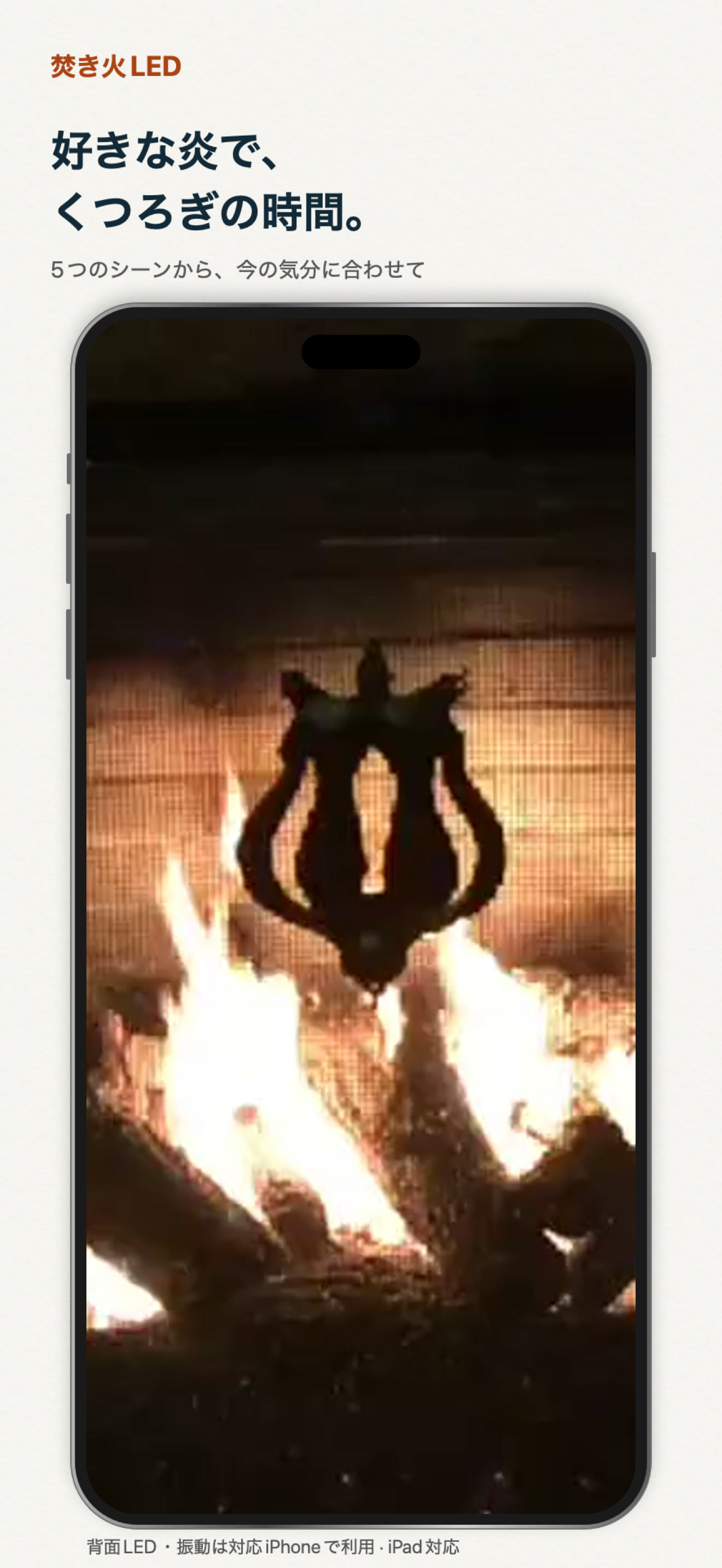
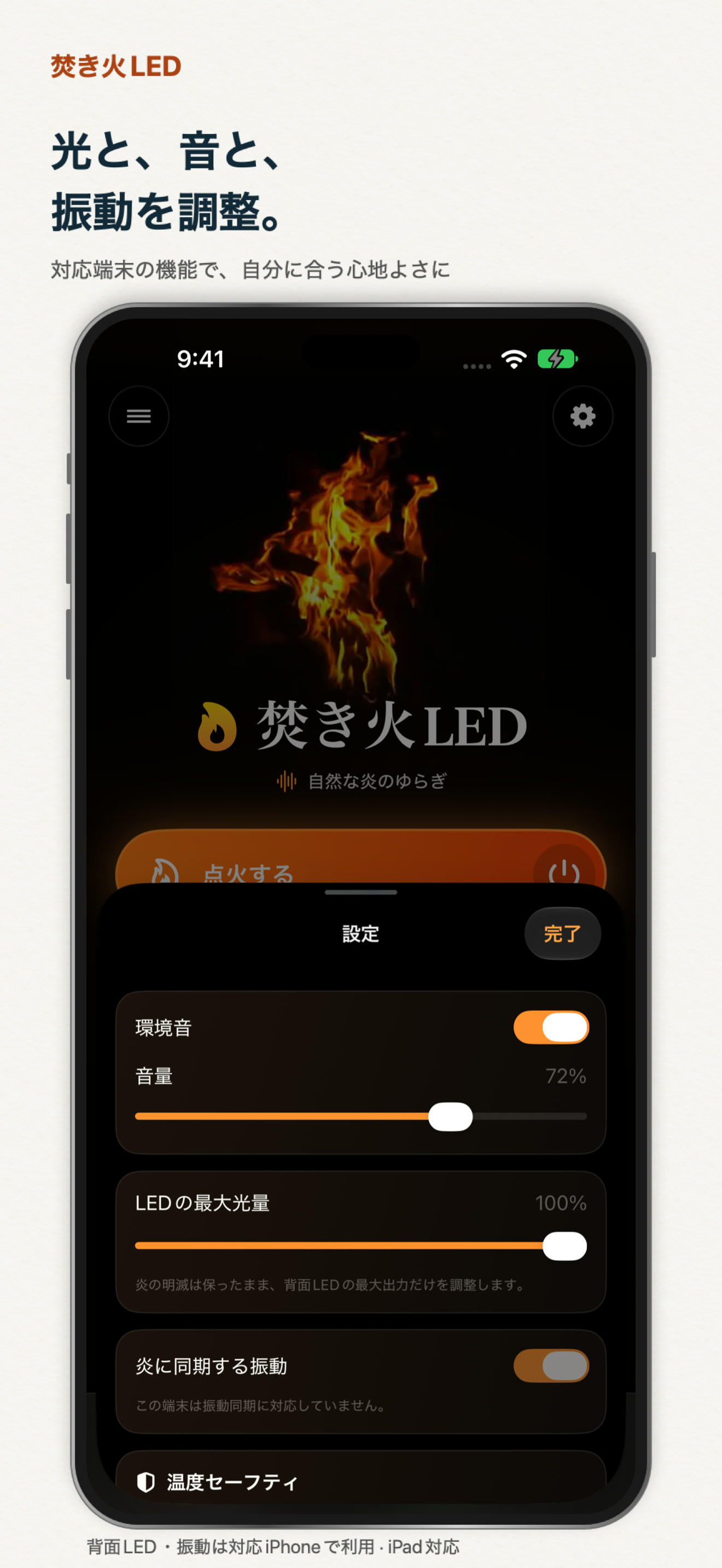
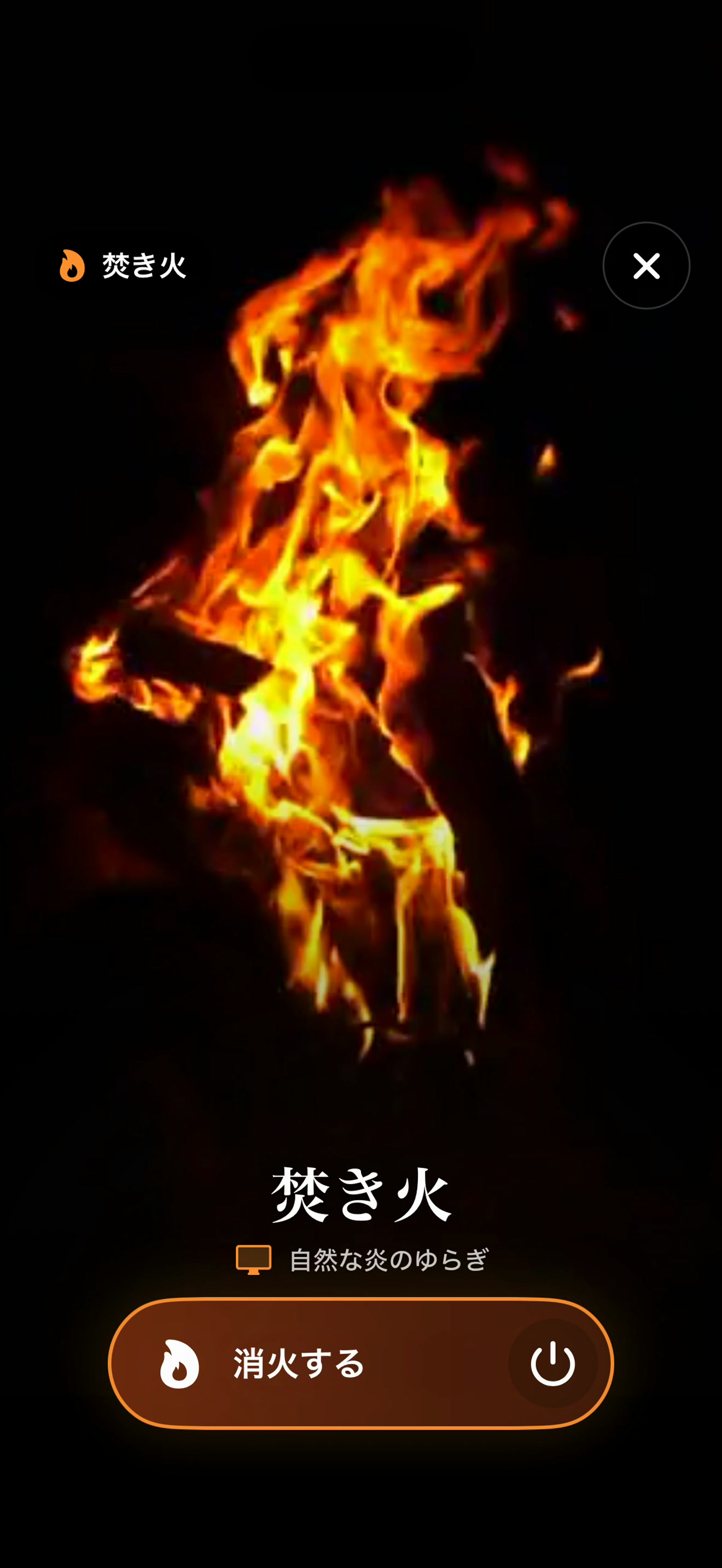
Japanese interface. Uses actual app screens and bundled flame footage.